Piko
Piko Explore prompt ↗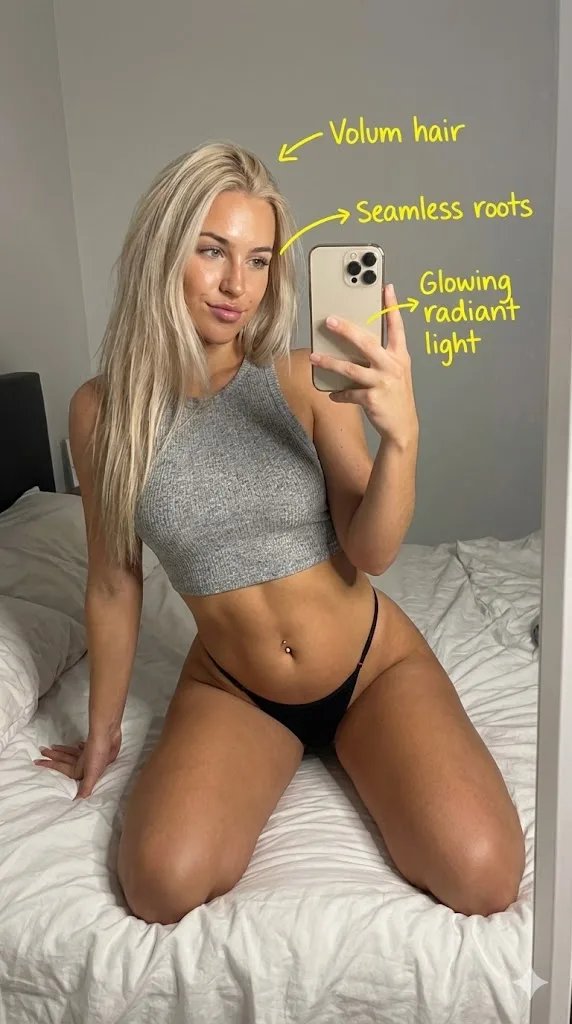
Nano banana pro
PhotographyNano banana pro
Photo retouching with yellow hand drawn notes
Creator @iamdomprompt
Prompt
Act as an expert photo editor. Step 1: Mark up the uploaded image with handwritten yellow marker notes and sketches, identifying flaws and suggesting improvements. Step 2: Based strictly on those notes, edit the image to resolve the critiques and produce a superior final result.
Copy the text, add your own details, and try it in your image model.