Piko
Piko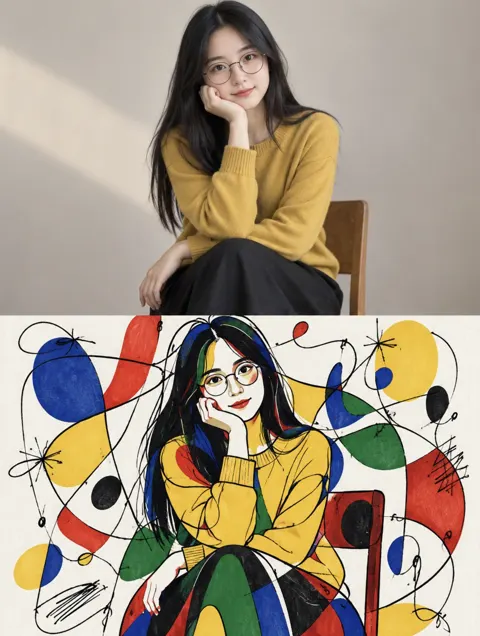 Explore prompt ↗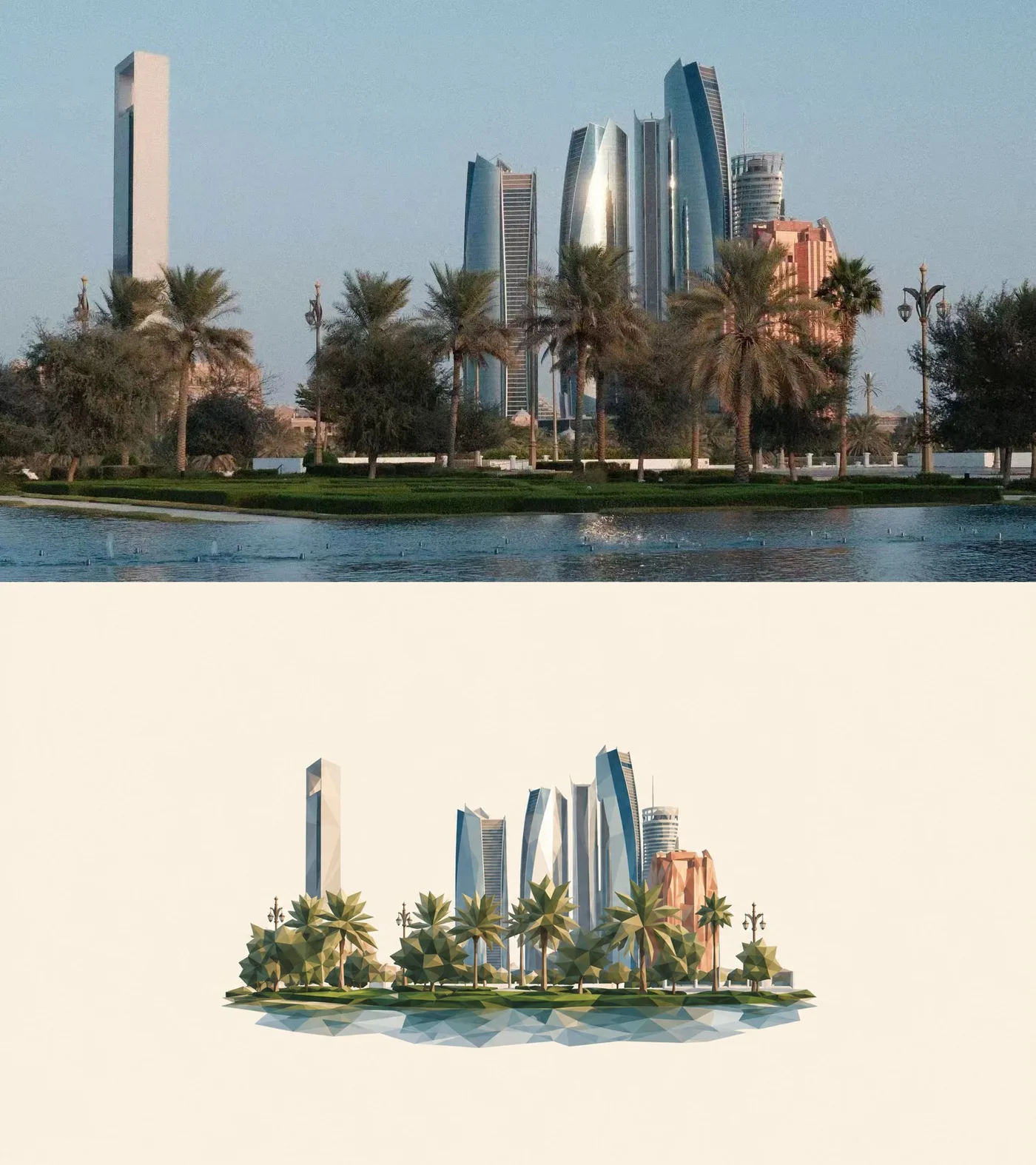
ChatGPT
IllustrationChatGPT
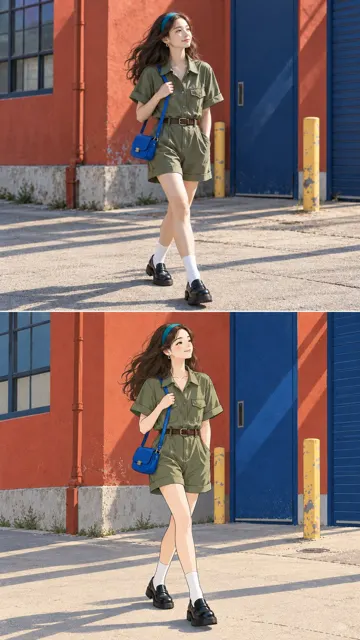
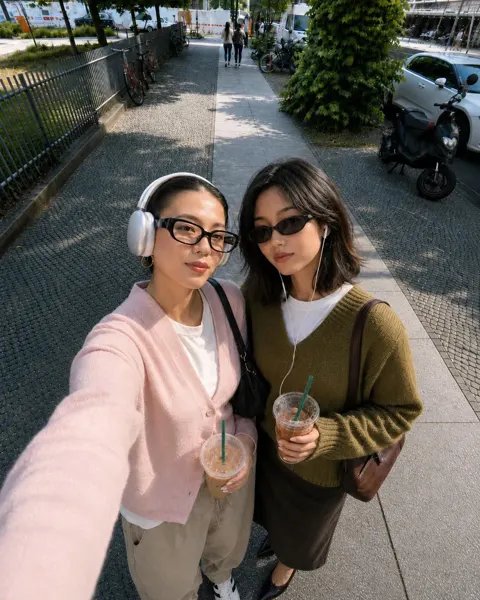
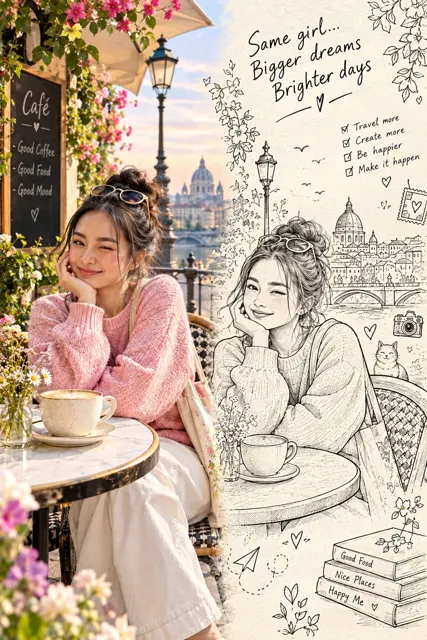
Minimalist low poly editorial illustration
Creator @AdrianPunk115
Prompt
Transform the uploaded real photo into a minimalist low-poly editorial illustration.

Use the original photo as the visual source.

Faithfully preserve:
- the main subject
- pose and gesture
- body direction
- clothing
- important accessories
- key objects
- perspective
- recognizable scene relationships

Do not redesign the scene.
Do not invent a new composition.
Do not add unrelated elements.

STYLE

Convert the photo into a clean 2D low-poly illustration.

Use:
- medium-to-large geometric polygonal planes
- broad angular shapes
- simplified faceted light and shadow
- clean edges
- restrained details
- muted natural colors

Avoid excessive tiny triangles.

The result should feel:
minimal,
quiet,
refined,
editorial,
graphic,
elegant.

Less is more.

COMPOSITION

Create a compact illustrated scene floating in the exact center of a large empty canvas.

Place the entire scene precisely in the center, both horizontally and vertically.

The illustrated scene should occupy only about 35–50% of the total canvas height.

Leave a very large amount of empty space evenly around all four sides.

Do not fill the frame.
Do not crop tightly around the subject.
Do not shift the scene upward, downward, left, or right.

The scene should feel like a small visual specimen displayed in the center of a large editorial page.

BACKGROUND

Use one completely solid background color:

#F4EBDD

The background must remain clean, flat, uniform, and empty.

No texture.
No paper grain.
No gradient.
No vignette.
No decorative elements.
No background shadows.

ASPECT RATIO

Match the canvas aspect ratio to the uploaded photo as closely as possible.

Preserve the original image orientation and overall width-to-height relationship.

Horizontal photo → horizontal output.
Vertical photo → vertical output.
Square or near-square photo → square or near-square output.

Do not force the source photo into a predefined aspect ratio.

SCENE SIMPLIFICATION

Keep only the visual information necessary to recognize the original photo.

Simplify secondary details.

Group:
- buildings
- trees
- plants
- water
- furniture
- architecture
- landscape
- clothing folds
- reflections

into larger geometric masses.

Do not reproduce every small detail.

The outer edge of the illustrated scene should end naturally with an irregular silhouette.

Do not preserve the original rectangular photo boundary inside the canvas.

COLOR

Preserve the original photo’s overall color identity.

Reduce it into a controlled, slightly desaturated palette.

Keep colors natural, muted, warm, and sophisticated.

LIGHT

Preserve the original light direction and overall mood.

Translate realistic lighting into simplified geometric color planes.

FINAL LOOK

Minimalist low-poly editorial illustration.
Large negative space.
Small centered scene.
Solid #F4EBDD background.
Controlled geometric facets.
Natural irregular scene boundary.
Clear subject recognition.
Elegant visual simplification.
Less is more.

AVOID

full-frame illustration,
busy background,
photorealism,
3D rendering,
CGI,
cartoon style,
anime,
children’s illustration,
thick outlines,
tiny triangle overload,
overly fragmented polygons,
complex textures,
paper texture,
grain,
background gradients,
dramatic lighting,
neon colors,
oversaturated colors,
decorative graphics,
text,
typography,
borders,
frames.
Copy the text, add your own details, and try it in your image model.